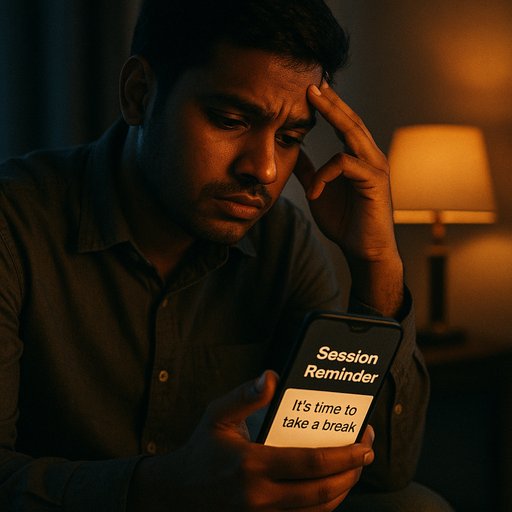
Session Reminders
Set a daily limit on play time. When you reach it, the app prompts a break, helping you stay in charge.
To activate: EA77 App > Safety > Session Reminders. Enable safety feature
Get EA77 APK

EA77 App offers practical safety tools to help you stay in control, with quick checks, spending awareness, and ready access to support. The features are built for Dhaka and cities across Bangladesh, designed for easy use on common networks and devices.
Discover how the EA77 App supports safe play with clear reminders and simple self‑exclusion options. Ready to try the app? Learn more about EA77 App or read our privacy page.
Download EA77 APKUse these quick checks anytime. If you answer yes to one or more, open the EA77 App and tap Safety for supportive options.
For a deeper look, see our EA77 App page and privacy details to understand how your data helps keep things responsible.
Set a daily limit on play time. When you reach it, the app prompts a break, helping you stay in charge.
To activate: EA77 App > Safety > Session Reminders. Enable safety feature
Get EA77 APK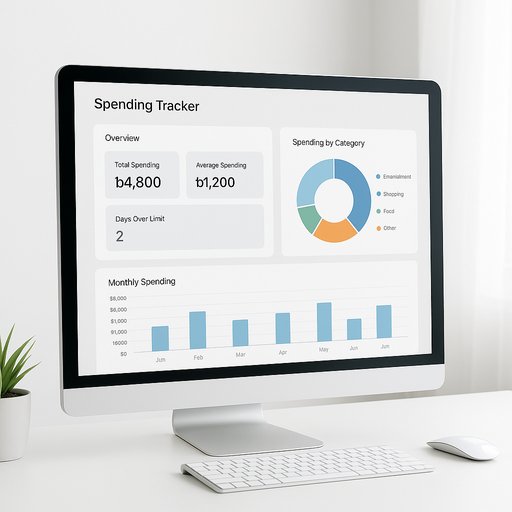
Keep an eye on how you’re spending time and app credits. It gives simple weekly summaries you can review anytime.
Turn it on in the app under Safety > Spending Tracker. Activate spending tracker
Get EA77 APK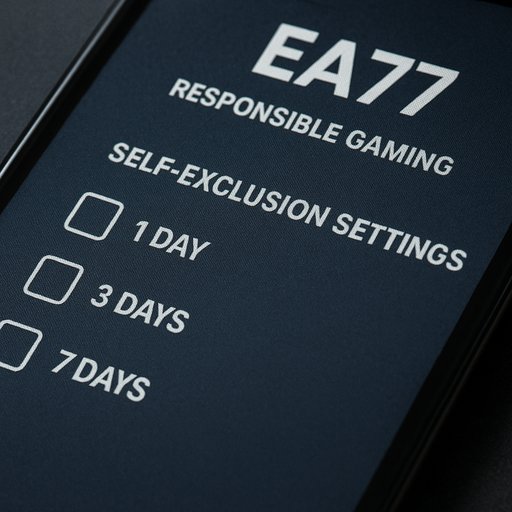
Choose a temporary pause or a longer break to reset habits. It hides access for the chosen period and restores after.
Activate from Safety > Self-Exclusion, pick a timeframe, and confirm. Enable self-exclusion
Get EA77 APKFor direct assistance from EA77, you can also read our privacy policy and reach out via the EA77 Contact page.
Safe play matters. If you ever feel unsure, reach out to our team through the EA77 Contact page or explore safety features in the EA77 App.
EA77 App supports safe play in Bangladesh. EA77 App